Hamilton Airport Parking | Papawaka
Hamilton Kirikiriroa Airport - where your story starts
Hamilton Airport parking made easy
Our Main Car Park (A) is located directly in front of the main terminal - just a 1-2 minute walk to check-in. Car Park (B) is located just to the north of the terminal , with a 2-3 minute walk to check in.
Please DO NOT park or leave your vehicle in front of the terminal at any time - you can wait for free for one hour in Car Park A. For pick-up and drop-off information, click here.
Fully automated, with 24/7 access (after 10pm, access is via intercom).
Safe and secure with 24/7 CCTV monitoring, regular security patrols - fully lit at night.
Payment by cash, EFTPOS, VISA debit/credit card and Mastercard.
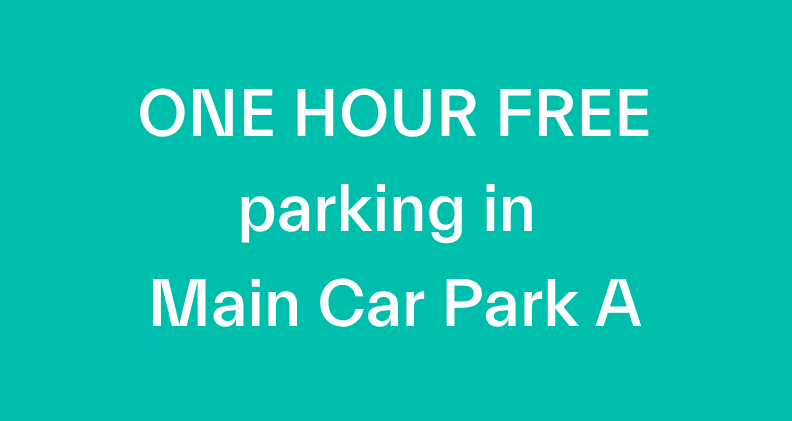
One hour FREE parking in Main Car Park (A) for drop-offs and pick-ups.

Changes are coming to our Pick-up/Drop-off area
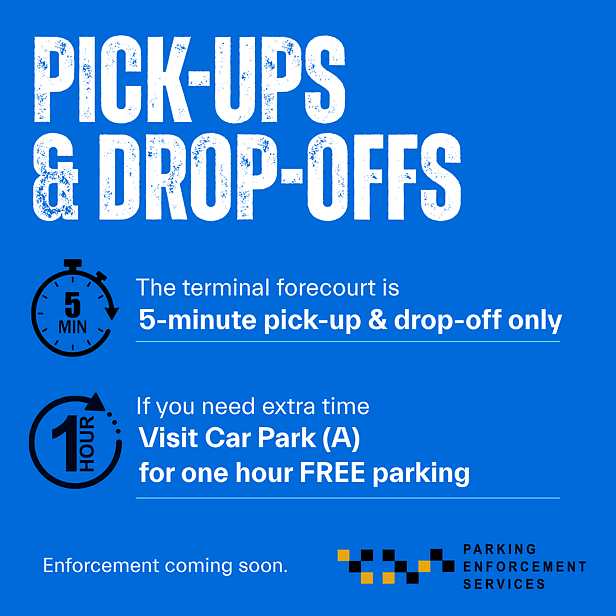
As Hamilton Airport continues to grow, we’re making changes to help keep our Pick-Up and Drop-Off area safe, efficient and moving freely.
The Pick-Up and Drop-Off area is limited to five minutes. Parking enforcement will commence soon, with fines issued where required.
If you need additional time, please use Car Park (A), where the first hour of parking is FREE.
Thank you for keeping the terminal forecourt safe and efficient for all.
How do I park at Hamilton Airport?
Tahi
Option 1
Drive-up customer

Option 1: drive-up parking
No booking required.
You can drive up and park in Main Car Park (A) without a booking.
Pricing: (All fees in $NZ)
Up to one hour: | FREE |
Hourly charge thereafter: | $4 |
Daily charge: | $22 |
(per 24 hours, for first 14 days) | |
Daily charge thereafter: | $11 |
(from 15 days onwards) |
How do I get to Main Car Park (A)?
Turn into the main entrance of Hamilton Airport, then veer left onto the ring road, you will then see the entrance to Main Car Park (A) on your right, just past JetPark Hotel.
When you drive up to the entry, the system will read your licence plate and the barrier will automatically open. You will not receive a ticket. Should the barrier not open, please use the intercom (telephone icon) for assistance.
How do I pay for parking?
You can pay in three easy ways, choose the option that best suits you:
Pay Station: Located undercover outside the terminal, enter your licence plate and follow the prompts. Pay with cash, EFTPOS, or credit card, then drive to the exit.
At the exit barrier: The system will read your licence plate and display the charge onscreen. Follow the prompts to pay with payWave or insert your credit card.
QR code: Scan the QR code displayed by the pedestrian walkway of Car Park (B). Follow the prompts on your phone to pay.
Option 2: Pre-book parking
(book online & save)
What parking options do you have? | ||||
Main Car Park (A): | ||||
Park & Save | ||||
Save 10% off the drive-up rate. | ||||
Weekend Saver | ||||
For parking any time between Friday and midnight Monday; | ||||
Save up to 40% off when booking 14+ days in advance. | ||||
Save up to 50% off when booking 30+ days in advance. | ||||
Car Park (B): | ||||
Super Saver | ||||
Save 20% off the drive-up rate when booking parking for 7+ days. | ||||
Save 30% off the drive-up rate when booking parking for 14+ days. | ||||
How do I get to the car parks? | ||||
Main Car Park (A): | ||||
Turn into the main entrance of Hamilton Airport, then veer left onto the ring road, you will then see the entrance to Main Car Park (A) on your right, just past JetPark Hotel. | ||||
Car Park (B): | ||||
Turn into the main entrance of Hamilton Airport, then veer right to continue onto Ossie James Drive. Take the first entrance on your left, following the signs for Car Park (B). | ||||
Will I get a ticket on entry & exit? | ||||
The system will read your licence plate and the barrier will open automatically. You will not recieve a ticket. | ||||
What if the barrier does not open? | ||||
You may have an unpaid balance. Follow the screen prompts to pay (payWave or credit card), or press the intercom for assistance. |
Parking in Car Park (A) and
Pick-up/Drop-off Zone
Watch this short video to show you how to get to Car Park (A) and the Pick-up/Drop-off area in front of the terminal. Please note this is a 5 minute only zone - cars must not be left unattended.
Terms & conditions
* Please note: our Rescue Fire and Security Officers patrol the area on a regular basis. While every effort is made to ensure the security of vehicles in the car park, Hamilton Airport takes no responsibility for vehicle damage or theft.
Frequently Asked Questions
How do I make a booking?
There are six simple steps to a successful car park booking:
Click here to access the online parking portal. Have your licence plate and credit card details ready.
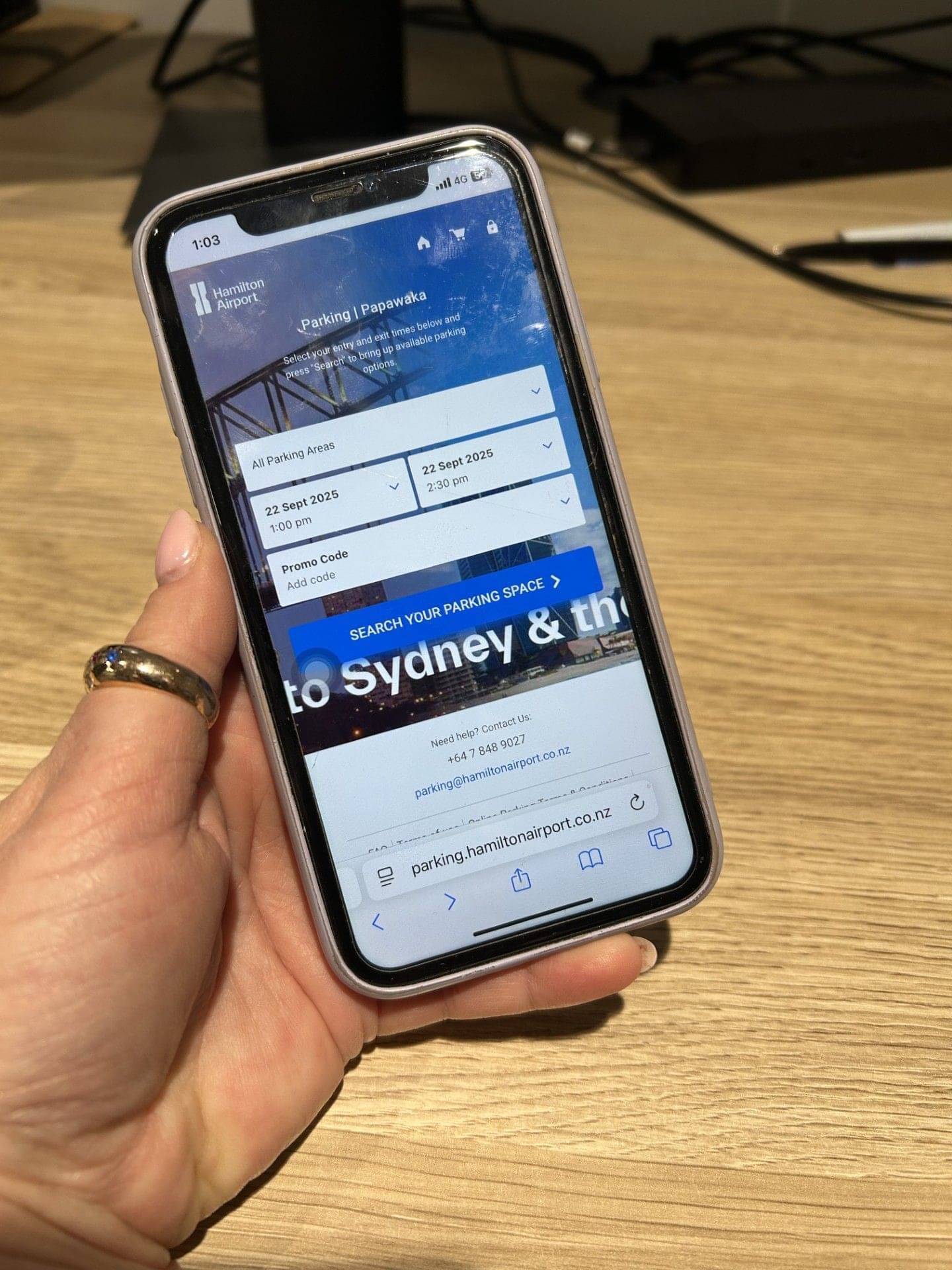
Select your entry and exit times, then click "Search" to view available parking options.
Choose your preferred option and click “Add to cart”.
Go to your cart, click “Checkout”, and enter your details.
Review and agree to the Online Booking Terms and Conditions.
Click “Book Now” to complete your booking. A confirmation email will be sent to you.

Do I need to print my booking confirmation?
No, your licence plate number is linked to your booking. However, we recommend keeping your confirmation email for reference.

Can I book at short notice?
Yes. You can make a booking up to 60 minutes prior to your arrival time. Booking in advance is recommended to secure discounted pricing.

What if I need to amend my booking?
Your parking is reserved for the dates and times selected at booking. Once a booking is made, your entry and exit times cannot be changed. If you need to modify your booking, you will need to cancel it and create a new one. A refund will be processed to your payment card, and a new transaction will be required for the new booking. Please note the same parking product may not be available when rebooking.

Can I enter the car park outside of my confirmed booking period, or exit the car park later than my confirmed booking time?
You can enter the car park up to 12 hours from the start of your booking entry time. If you arrive later than this, your booking will not activate.
On exit, the system has a short grace period built in to accommodate some additional time. If you exceed this period, you will incur additional charges. These will automatically be displayed at the pay station or exit gate.

How do I manage my booking?
Click “Manage my booking” in your confirmation email and log in to your account. Here you can:
change your licence plate number,
update your contact and payment details,
view your booking history,
cancel your booking (up to 1 hour before arrival)
Note: bookings made before an account has been created, will not be linked to your account.

What happens if I want to bring a different vehicle (different licence plate number) to the one confirmed on my booking?
If you are going to use a different vehicle (licence plate number) to the one detailed on your booking, you can amend this within 1 hour of your entry time. Simply click on “Manage my Booking” on your confirmation email and log into your account.
Should your plans change on the day, please contact us on the details below, and we will update your licence plate for you. Make sure to update your plate at least one hour before arrival.
Important: If you enter or exit the car park with a different licence plate than the one on your booking, you will be charged the standard drive-up rate at the exit.

What if I need to cancel my booking?
You can cancel your booking up to 1hour prior to your arrival time for a full refund. The simplest way is to click "Cancel booking" on your confirmation email, or contact us on the details below.

What happens if my licence plate is not recognised at entry/exit?
Sometimes, licence plates may not be read correctly due to dirt, damage, or system errors. If this happens, please use the intercom for assistance.


What if my flight is delayed, cancelled or if I miss my flight?
You can cancel your booking free of charge up to 1 hour before your booking start time.
Bookings cancelled less than 1 hour before the booking start time are non-refundable.
If you believe exceptional circumstances apply, you can submit a refund request. Refund requests are considered on a case-by-case basis at management's discretion. Where a refund is approved, a $22.00 administration fee will be deducted.
If your flight is delayed or disrupted, your booking will still activate if you enter the car park within 12 hours of your original booking start time. If you arrive more than 12 hours after your booking start time, your booking will not activate.
Your booking allows up to two entries within 24 hours of your booking start time. For example, if your flight is disrupted, you can leave the car park and return later, provided both entries occur within 24 hours of your original booking start time.

How do I apply for a refund?
To apply for a refund, please complete our online refund application form. A member of our staff will be in contact once your application has been reviewed.

Why can't I access the Weekend Saver?
The Weekend Saver rate has limited availability and specific conditions:
Your parking must start between midnight Thursday and end before midnight Monday.
Save up to 40% when booking 14+ days in advance.
Save up to 50% when booking 30+ days in advance.
Please note: You cannot combine a Weekend Saver booking with another parking product without exiting first.

What facilities are available for special assistance customers?
Whilst our car parks have several accessible spaces available for Mobility Card Holders, unfortunately you are unable to reserve any specific space via the online booking system.

Can I book long-term parking?
Long-term parking is available in both Car Parks A and B. If you’d like to discuss the best option for your needs, please contact us.

Is there a height or size restriction for vehicles?
Oversized vehicles (such as trailers, campervans, and buses) are not permitted without prior management approval. Contact us to discuss your request.

What payment methods are accepted at the time of booking online?
For online bookings, we accept the following debit and credit cards: VISA and MasterCard. Cash is accepted at the pay station only.

How are parking charges calculated?
Pre-booked parking rates are calculated on a 24-hour period (or part thereof). Rates are calculated based on the times and dates you select when making your booking. No additional booking or credit card fees apply when booking online. If you overstay your booking, additional charges apply. You can pay these at the pay station when you return to Hamilton Airport.

How do I provide feedback?
We are committed to the highest standards of customer care. If you would like to provide us with feedback on any aspect of the service you receive, please contact us by e-mail here.

How can I contact you?
If you have any queries, please contact:
Telephone: (07) 848 9027 or email: parking@hamiltonairport.co.nz
Address: Hamilton Airport, Airport Road, RD2, Hamilton 3282, New Zealand